
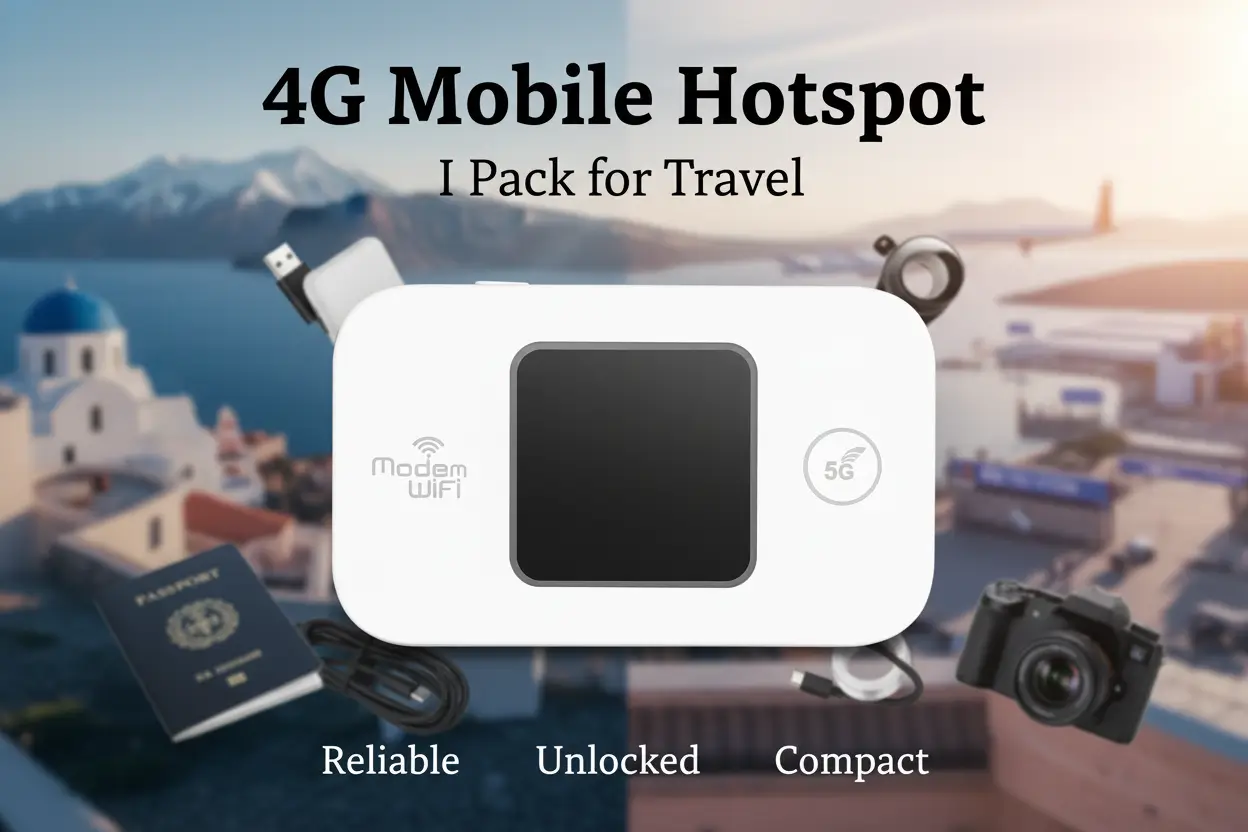

I learned the hard way: showing up in a new city with no local SIM and spotty hostel Wi-Fi is a fast way to ruin a day. The first line I pack now is a 4g mobile hotspot because it turns sketchy cafe signals into a steady connection for up to 10 devices, and that 3000mAh battery has saved me on multiple 12-hour travel days.
On one trip — three countries in 7 days — this little unlocked router kept my phone, laptop, and five friends online through trains, guesthouses, and airport layovers. It’s compact, uses a standard SIM card (you supply the data), and supports the LTE bands you actually need in Asia and Europe. Why did I switch from relying on random cafe Wi-Fi?
Because nothing kills momentum faster than being offline when you need directions, a ride, or to upload a quick backup. Who wants that hassle?
Why This Earned a Spot in My Bag
For me, travel gear has to earn its space. This 4g mobile hotspot made the cut because it’s simple, lightweight, and practical across a range of scenarios:
- Long layovers and train rides where I need stable tethering for a laptop and phone.
- Hostels and guesthouses with unreliable Wi-Fi — I plug this in, pop a local SIM, and everyone on my floor can get a decent connection.
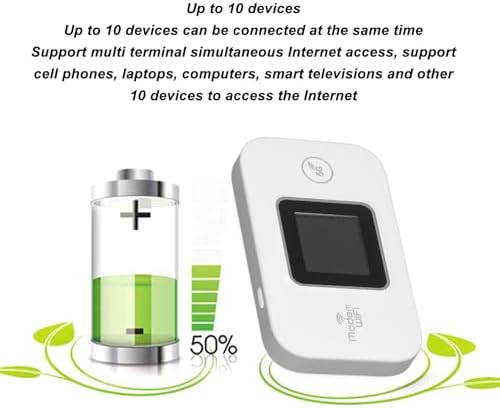
- Small group trips where sharing a connection for maps and messaging matters — supports up to 10 users.
- Digital nomad weekends: short-term work where I don’t want to hunt coworking spaces or rely on coffee shop signals.
If you travel light but still need dependable internet for work, maps, and streaming, this is the kind of router that pays for itself in reduced stress.
What Sold Me On It
I’m picky about materials, battery, and compatibility. These are the details that mattered for me on the road:
- Unlocked with Standard SIM Slot: Uses a regular SIM card (not included). I can buy a local prepaid SIM anywhere and be online in minutes.
- Band Compatibility: FDD LTE B1 B3 B7 B8 B20 and TDD LTE B38 40 41, plus WCDMA B1 B8. That band spread is why it worked through Asia and much of Europe on my trips.
- Battery & Portability: Built-in 3000mAh lithium battery — light, fits in a jacket pocket, and gets me through a long transit day without hunting a socket.
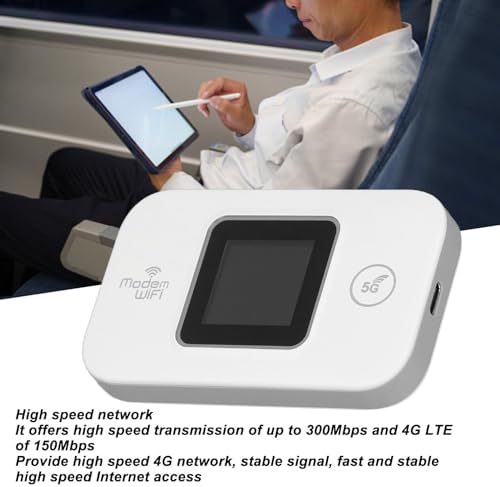
- Speed & Sharing: Claimed 150Mbps throughput and support for 802.11 b/g/n. Real-world I didn’t hit LTE-maximum speeds on busy networks, but the connection was solid for video calls and uploads when the local SIM had decent coverage.
- Durable Shell: ABS material feels tougher than cheap plastic, so it survives being tossed in backpacks and carry-ons.
- Ease of Use: Basic setup — insert SIM, turn on, and connect via Wi-Fi. No driver headaches, no tethering via phone required.
What I Check Before Buying a Travel Router
I’m not a gear-head who buys specs for the sake of it. Here’s my checklist when comparing similar devices:
- Band Coverage: If the device lists the LTE bands local carriers use, it’s usable. I matched the bands on this unit to carriers I planned to use in Asia and Europe before buying.
- Battery Size and Real Run Time: 3000mAh is my baseline for a day of travel. Anything less and I worry about hunting power outlets mid-journey.
- Number of Users / Speed: If I’ll share with a small group, support for 5–10 users at reasonable throughput matters. This router supports up to 10 users which has been plenty for small groups.
- SIM Type and Unlock Status: Standard SIM slot is simple — no fiddly adapters. Unlocked is non-negotiable.
- Build & Portability: ABS shell, light weight, and small footprint that can slip into a passport pocket or small organizer.
How I Actually Use It Day to Day
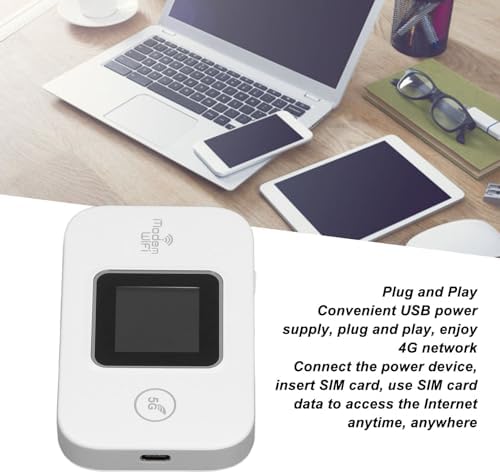
- Buy a local prepaid SIM at the first shop or kiosk; pop it into the standard SIM slot. It takes me 3 minutes max.
- Power up the router and set a simple Wi-Fi password. I keep the SSID identifiable but not obvious.
- Keep it in my jacket pocket or TSA-friendly pouch for easy access at checkpoints. The ABS shell tolerates being bumped around in a backpack or suitcase.
- Charge with the included cable whenever I plug into a power bank or outlet; I avoid full-drain cycles to preserve battery health.
- For hostel stays, I place it high on a shelf instead of in a locker so it gets better signal. For trains, I rest it near a window for stronger reception.
- Clean the SIM contacts and the unit’s ports occasionally — basic maintenance that keeps it reliable trip after trip.
Buyer Doubts I Had (And How They Played Out)
- Is a dedicated hotspot overkill? I wondered this too. If you only check email once a day, maybe. If you work, stream maps, or travel with others, a dedicated device is far more reliable than tethering to a drained phone.
- Will it work where I go? I matched the listed LTE bands to carriers in my destinations. That step prevented a bad surprise. It worked across multiple countries in Asia and Europe for me.
- Battery life concerns? The 3000mAh won’t replace a power bank, but it got me through long transits. I still carry a slim power bank for backup.
- Is setup complicated? Not at all. Insert SIM, turn on, connect via Wi-Fi. The manual is basic but sufficient.
- Security and safety? I use a strong password, keep firmware updated if available, and don’t use the hotspot for sensitive transactions on public networks unless I’m on a VPN.
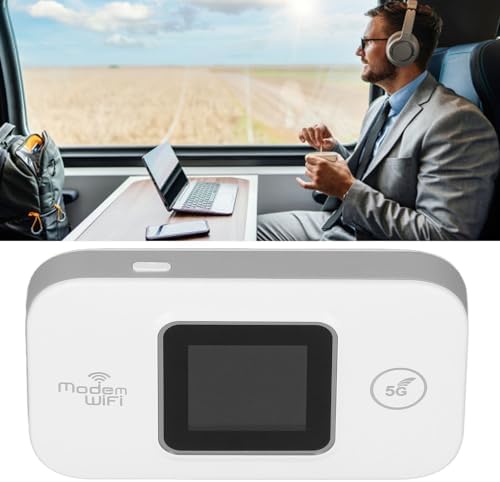
Bottom line: I pack this tiny router because it reliably converts a local SIM into a shareable Wi-Fi network that’s light, unpackable, and tough enough for my backpack. It makes sense for solo travelers who work on the go, small groups who want a single connection, and anyone who prefers control over internet access on the road.
Some links are affiliate. As an Amazon Associate, I earn from qualifying purchases – at no extra cost to you. It helps keep these finds coming. Thanks for your support!