
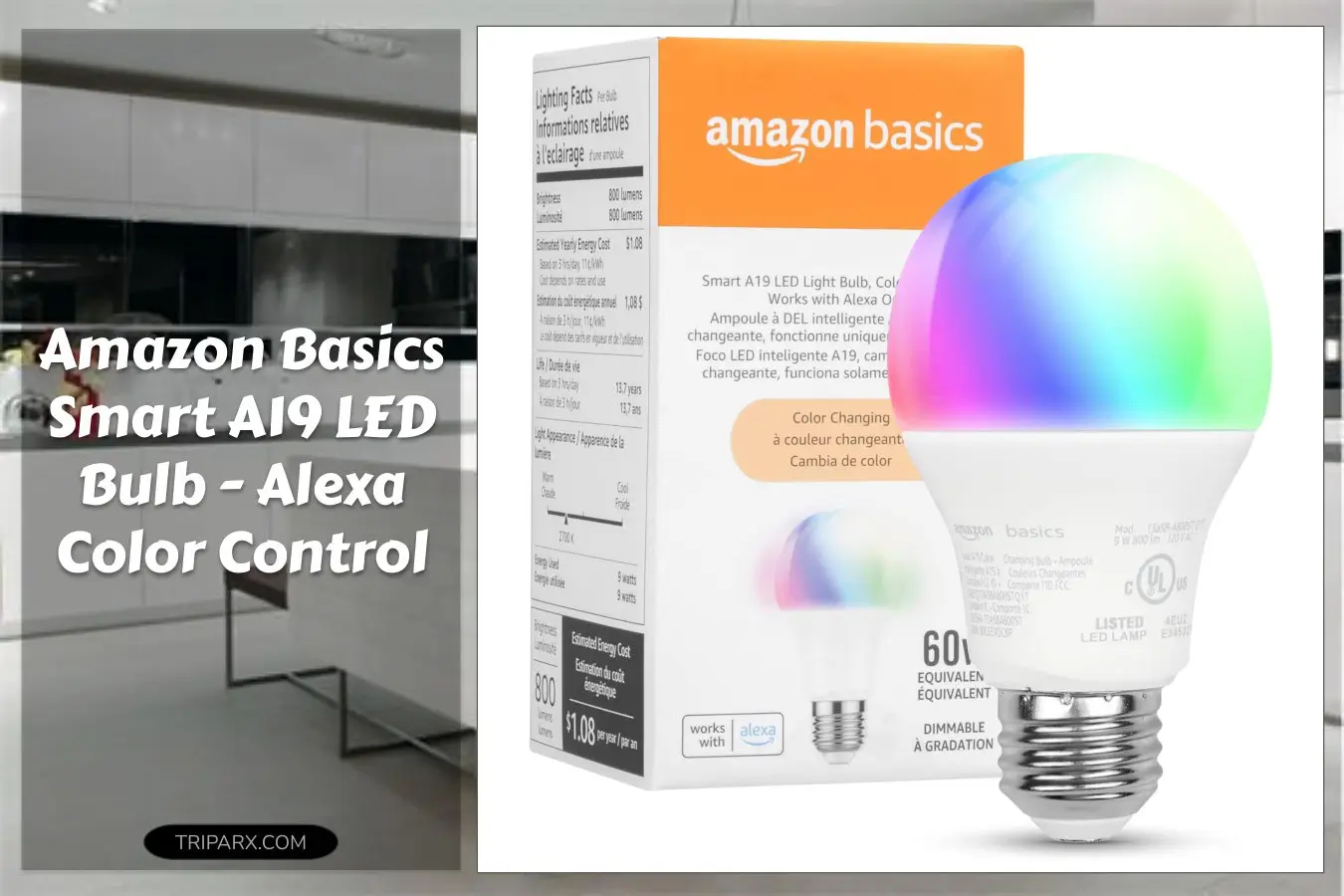

The Amazon Basics Smart A19 LED Bulb is a 9W, color-changing smart bulb that works with Alexa only and needs no hub. Stop buying bulbs that insist on extra bridges, separate apps, or compatibility with every ecosystem under the sun — that clutter costs time and patience. With one smart bulb per lamp you can set routines, adjust color temperature, and control lighting by voice or the Alexa app in under 3 minutes. Ready to simplify your smart lighting setup?

Key Features & Real-World Use
- Simple Alexa control: Works exclusively with Alexa voice commands and the Alexa app — no hub, no Zigbee bridge, just 2.4 GHz Wi-Fi and Alexa routines for automation.
- Color and white tuning: Full color spectrum plus adjustable warm-to-cool white for reading, movie night, or task lighting; good for bedrooms, kitchens, and mood fixtures.
- Energy and lumen output: Rated 9W (60W equivalent) and about 800 lumens of usable light — a balance between brightness and energy savings for table lamps and ceiling fixtures with an E26 base.
- Form and fit: Standard A19 shape fits most lamps, pendant lights, and recessed fixtures; durable plastic bulb housing and no exposed glass makes it safe for kid and pet-heavy homes.
- Routines and scheduling: Automate with sunset/sunrise triggers, away routines, and motion setups via compatible hubs when linked with Alexa scenes.

Who This Is For
If you already use Alexa speakers or the Alexa app, this bulb is built to slot into that setup without extra hubs or new apps. It suits renters who need easy installation, families who want safe, shatter-resistant bulbs, and streamers staging color scenes for content. Avoid if you rely on Google Assistant, Apple HomeKit, or SmartThings — compatibility is Alexa-only.
How to Choose
- Check your base: Confirm an E26 socket fits — A19 bulbs are made for standard lamp sockets and many fixtures.
- Wi-Fi band: Make sure you have 2.4 GHz coverage near the fixture; 5 GHz is not supported for setup.
- Control style: Prefer voice and routines? Go Alexa-only. Need cross-platform control? Consider a multi-platform bulb instead.

Quick Setup & Use
- Turn power on to the fixture and confirm the bulb flashes to indicate pairing mode.
- Open the Alexa app, choose Add Device, then select Light – Bulb and follow the on-screen prompts to connect over 2.4 GHz Wi-Fi.
- Name the bulb (for example “Kitchen Overhead”) and group it with other lights or a smart plug for scenes and routines.
- Use voice commands, the Alexa app color wheel, or scheduled routines to set color temperature, brightness, and timed on/off events.
Buyer Doubts Solved
“Is the color accurate?” The bulb offers a broad color range and adjustable white temperatures; for photography or delicate color work, a dedicated studio light is still better. For everyday living rooms and bedrooms, it’s great.
“What about dimming and flicker?” Dimming is smooth via the Alexa app or voice controls; it’s designed to work with standard dimmable fixtures and typical smart home accessories.
“Will it overload my network?” Each bulb connects over 2.4 GHz Wi-Fi; a handful of bulbs won’t strain most home routers. Spread them across access points if you have many smart devices.
“Is setup hard for non-tech people?” No. The step-by-step Alexa flow and the standard A19 form factor keep installation like swapping a regular bulb.
“Not compatible with Google or HomeKit — dealbreaker?” If you live in an Alexa-centered home, it’s a plus: fewer apps, fewer bridges, more straightforward routines.
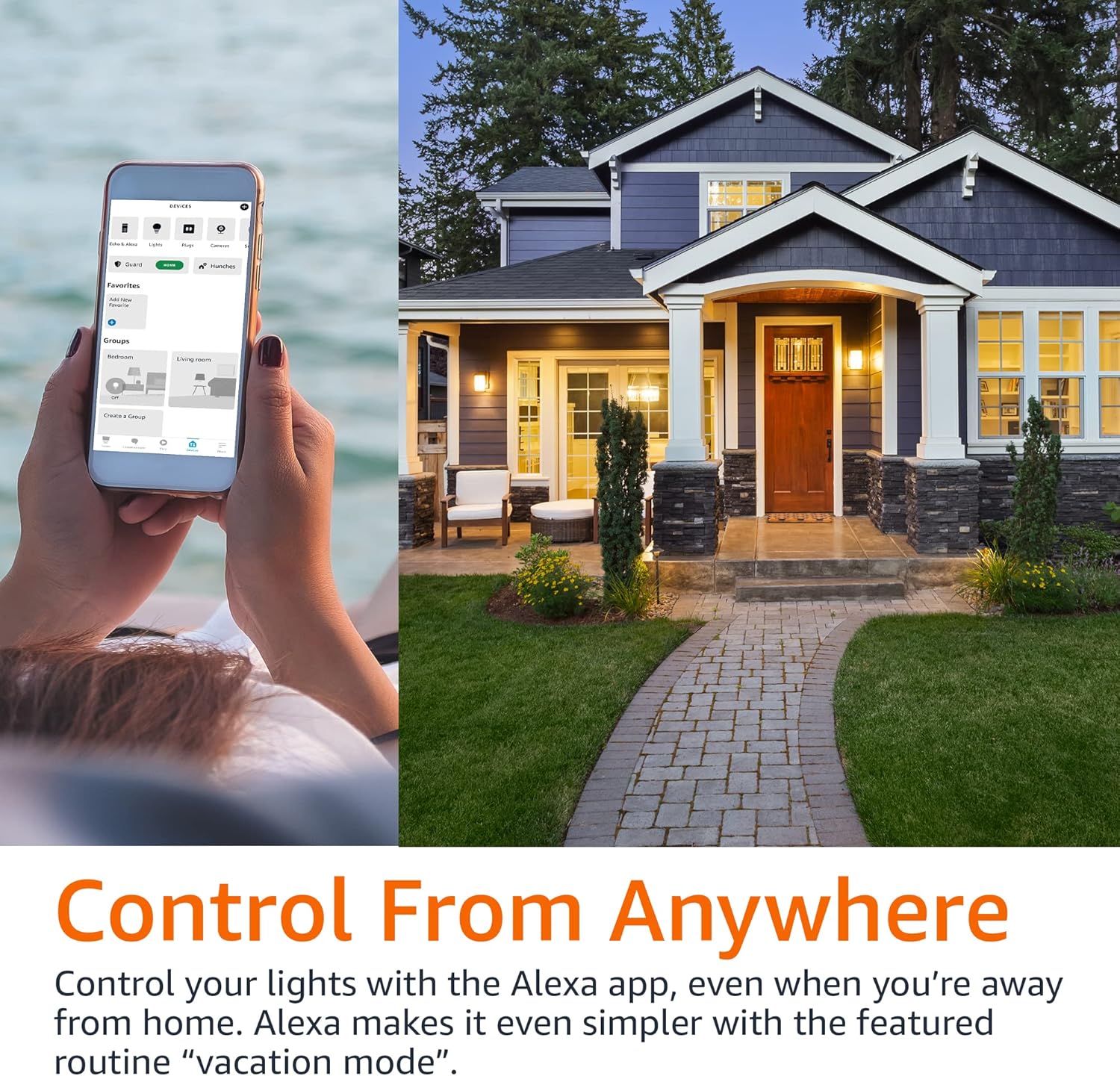
Swap confusing bridges and extra apps for a single Alexa-ready bulb that handles color, dimming, and schedules — fast, safe, and ideal for most household fixtures and lamps.
As an Amazon Associate, I earn from qualifying purchases.