
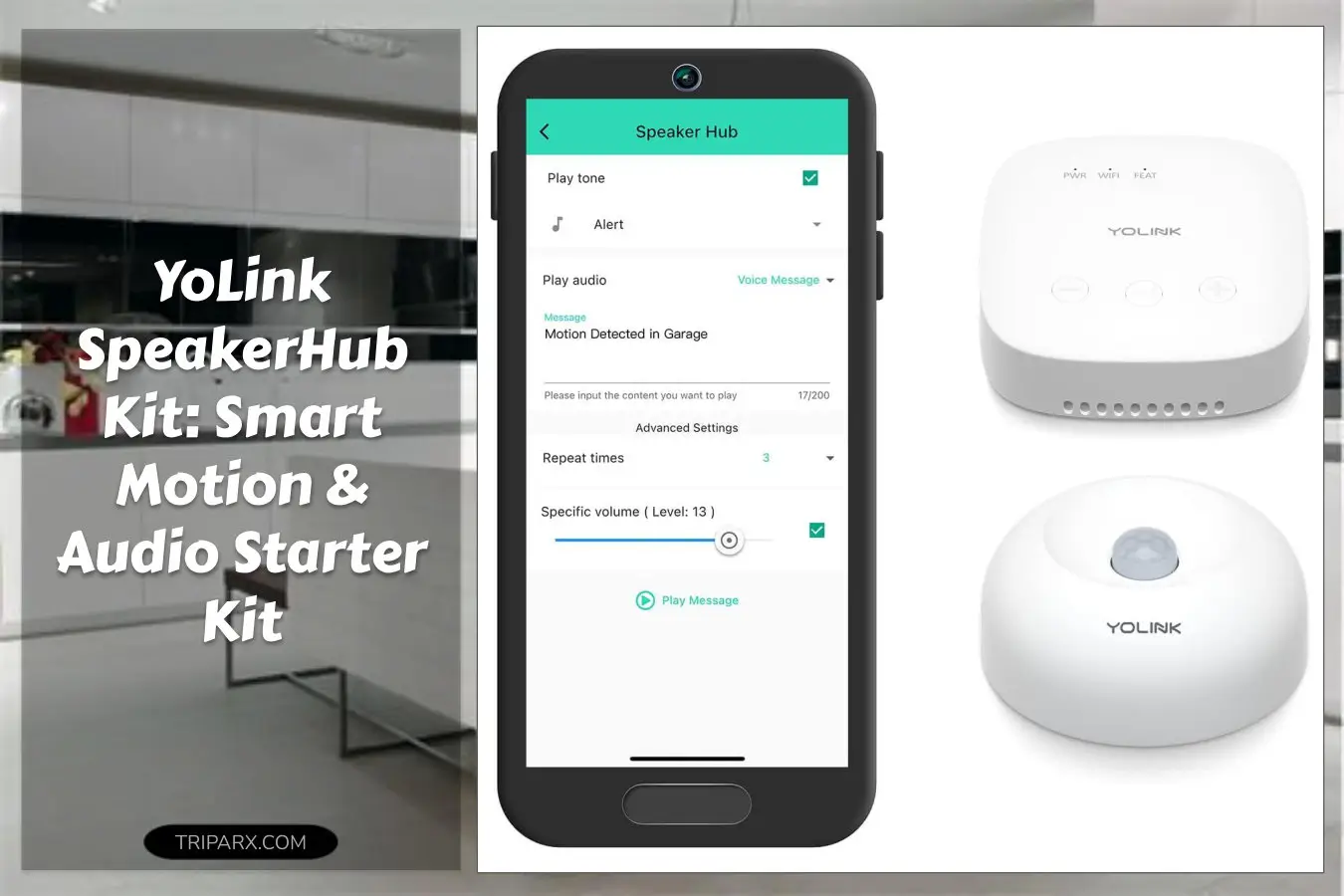

Mistake: assuming the yolink speakerhub kit is just another smart sensor bundle. It comes with 1 indoor motion sensor and a SpeakerHub that talks, plays tones, and bridges long-range LoRa signals to your WiFi – useful for homes and small businesses alike.
With a quoted quarter-mile range for LoRa radios, standalone sensors can cover yards, garages, or outbuildings without extra wiring or repeaters. Want an alarm that actually tells you what tripped it, not just a silent notification?
Could a small audio hub plus a single motion detector be the hub-and-sensor combo that actually simplifies your setup and boosts everyday security?

Key Features & Real-World Use
- Audio alerts and spoken messages – the SpeakerHub plays tones or verbal notices for immediate, human-readable alerts in a hallway, office, or retail space.
- LoRa long-range link – sensors talk to the hub across long distances, reducing dead zones compared with standard Bluetooth or Z-Wave setups.
- WiFi gateway required – the hub bridges LoRa to your home network so you get push notices and cloud-enabled automations.
- Indoor motion detection – the included sensor suits rooms, corridors, or entryways; consider the outdoor motion sensor for exposed locations.
- Simple form factor and mounting – compact plastic housings, wall or shelf placement, and basic screws or adhesive options make install flexible.
- Integration potential – pairs with lights, smart plugs, and other sensors to automate lighting control and basic security workflows.

How to Choose
Three quick criteria to match the kit to your space and habits.
- Coverage needs: If you want yard or garage detection, prioritize the LoRa range and plan sensor placement. Signal walls, metal, and distance will affect performance.
- Audio use: Choose this kit if you value spoken notifications or audible tones for in-home awareness rather than silent phone alerts alone.
- Integration: Confirm the WiFi requirement and app compatibility with your smart plugs, lights, or existing hub. Trade-off: cloud features vs. local-only setups.

Quick Setup & Use
- Unbox the SpeakerHub and motion sensor; confirm you have a 2.4 GHz WiFi network available.
- Power the hub (USB or adapter) and follow the app to register it to your WiFi account.
- Mount the motion sensor where it sees the main entry path; test detection and adjust angle for pets or traffic.
- Customize audio tones or spoken messages in the app for different triggers like arrival, motion, or alerts.
- Link automations such as switching lights on with motion or sending push notifications for off-hour movement.
Buyer Doubts Solved
Will it work with my existing smart devices? The hub talks to WiFi and cloud services, enabling automations with smart plugs, lights, and third-party integrations in many setups.
Is the motion sensor battery-powered or wired? Most indoor sensors are battery-operated for easy placement; plan for periodic battery swaps and basic maintenance.
What about false alarms from pets? Mount the sensor higher or adjust sensitivity in the app; placement and angle often solve pet-triggered false positives.
Worried about outdoor use? This kit includes an indoor sensor; use a dedicated outdoor motion sensor for exposed locations to avoid weather damage and reliability issues.
Can a small speaker actually help? Yes. Spoken messages cut down on ambiguous alarms and are useful for shops, workshops, and shared houses where immediate context matters.

This kit is an easy first step into LoRa-backed sensors and audible alerts – install in under 20 minutes and get immediate motion-based automations, spoken notices, and room-level awareness.
Some links are affiliate. As an Amazon Associate, I earn from qualifying purchases — at no extra cost to you. It helps keep these finds coming. Thanks for your support!