
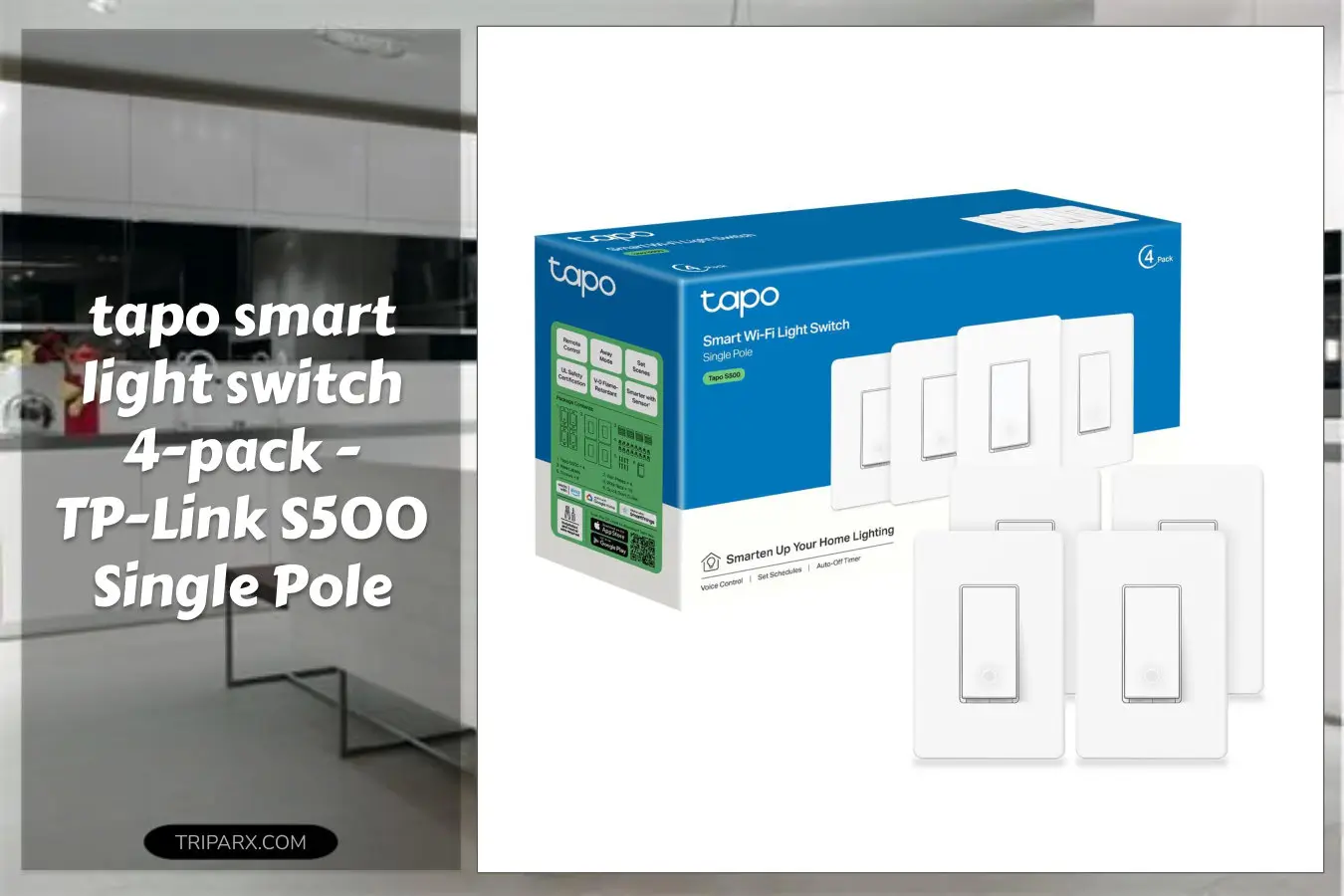

The tapo smart light switch can turn a clunky wall switch into voice- and schedule-ready lighting in minutes, but most people skip 3 simple checks and then blame the device. That mistake usually comes down to wiring, Wi-Fi, or assuming a hub is required.
If you run a neutral wire, have a 2.4 GHz network and want Alexa or Google Home control without extra hubs, this 4-pack makes whole-room upgrades painless. Ready to stop guessing and actually get smart lighting that works?

Is It Right for You?
Who this fits: homeowners and skilled DIYers with single pole circuits who want voice control and schedules for living rooms, bedrooms, and kitchens. The S500 is a single pole switch, so it replaces a single-switch circuit, not 3-way or multi-location setups.
Constraints to note: installation requires a neutral wire and a stable 2.4 GHz Wi-Fi network. If you rent or lack a neutral, consider alternatives or plan for an electrician to rewire.
Key Features & Real-World Use
- App-guided install via the Tapo app – step-by-step setup reduces guesswork and pairs the switch to your 2.4 GHz network.
- Neutral wire required – ensures reliable power to the switch electronics and avoids flicker with LED loads.
- Single pole form factor – designed for standard on/off control of one circuit; ideal for recessed cans, ceiling fixtures, and wall lamps.
- Voice control with Alexa and Google Home – add hands-free switching to your smart home scenes and routines without a hub.
- UL certified safety – built to meet common safety standards for residential wiring; robust materials and secure terminals improve longevity.
- No hub required – the switch connects directly over Wi-Fi, simplifying setup and avoiding extra hardware.

How to Choose
3 quick criteria to check before you buy:
- Wiring compatibility – Confirm a neutral is present in the switch box. No neutral, no go for this model.
- Network – Must have reliable 2.4 GHz Wi-Fi. If your router isolates frequencies or uses only 5 GHz, reconfigure or extend the network.
- Circuit type – Single pole only. For 3-way or multi-location circuits, look for a compatible 3-way smart switch or add-on remote.
- Load and bulbs – Works with common LED and incandescent fixtures. For specialty loads, check lamp ballast or transformer compatibility.

Quick Setup & Use
- Cut power at the breaker and test the switch to be sure the circuit is off.
- Remove the existing switch and identify the neutral bundle in the box. If unsure, consult an electrician.
- Follow the Tapo app prompts: connect the switch to 2.4 GHz Wi-Fi and attach live, load, neutral, and ground wires to the labeled terminals.
- Mount the switch, snap on a wall plate, and restore power to the circuit.
- Use the Tapo app to name the switch, add it to a room, and link to Alexa or Google Home for voice control and routines.
- Create schedules and scenes for automation – group multiple switches for whole-room control.
Buyer Doubts Solved
Worried about needing a hub? You do not. The switch talks directly over Wi-Fi, so no extra bridge is required.
Not an electrician? The Tapo app guides the install, but the product requires live wiring – hiring a pro protects safety and keeps your home insurance intact.
Will it work with your voice assistant? Yes. It integrates with Alexa and Google Home for voice on/off and routine triggers.
Concerned about safety and durability? The S500 carries UL certification and uses sturdy terminals and a white, low-profile wall plate to match most decors.
What about renters? Hardwired changes may not be suitable for short-term rentals. Consider plug-in smart bulbs instead if you can’t alter wiring.

Installing the tapo smart light switch is one of the fastest ways to add voice control, schedules, and smart scenes to multiple rooms without extra hubs. If you have a neutral and 2.4 GHz Wi-Fi, this 4-pack is an efficient upgrade for whole-home automation.
Some links are affiliate. As an Amazon Associate, I earn from qualifying purchases — at no extra cost to you. It helps keep these finds coming. Thanks for your support!