
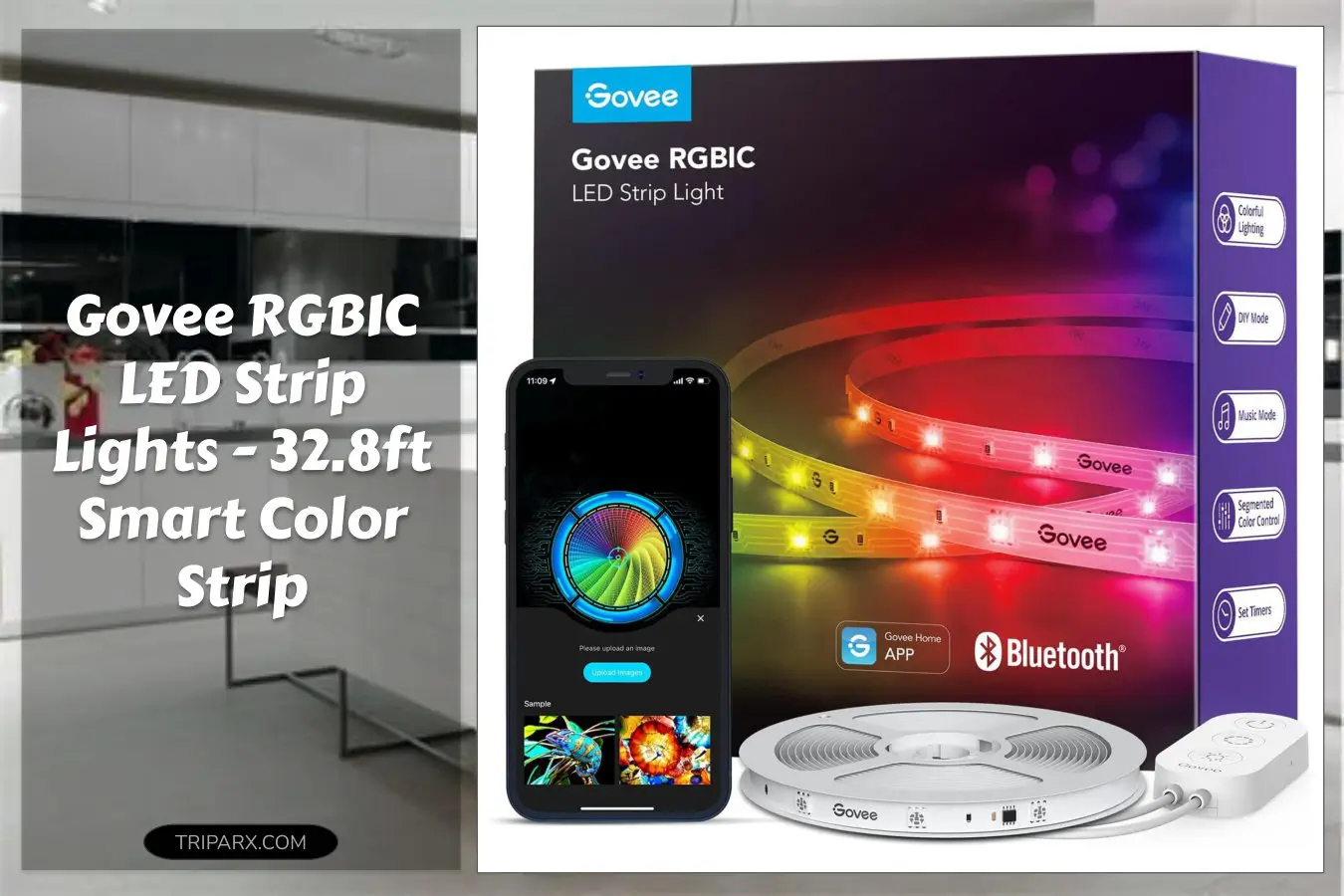

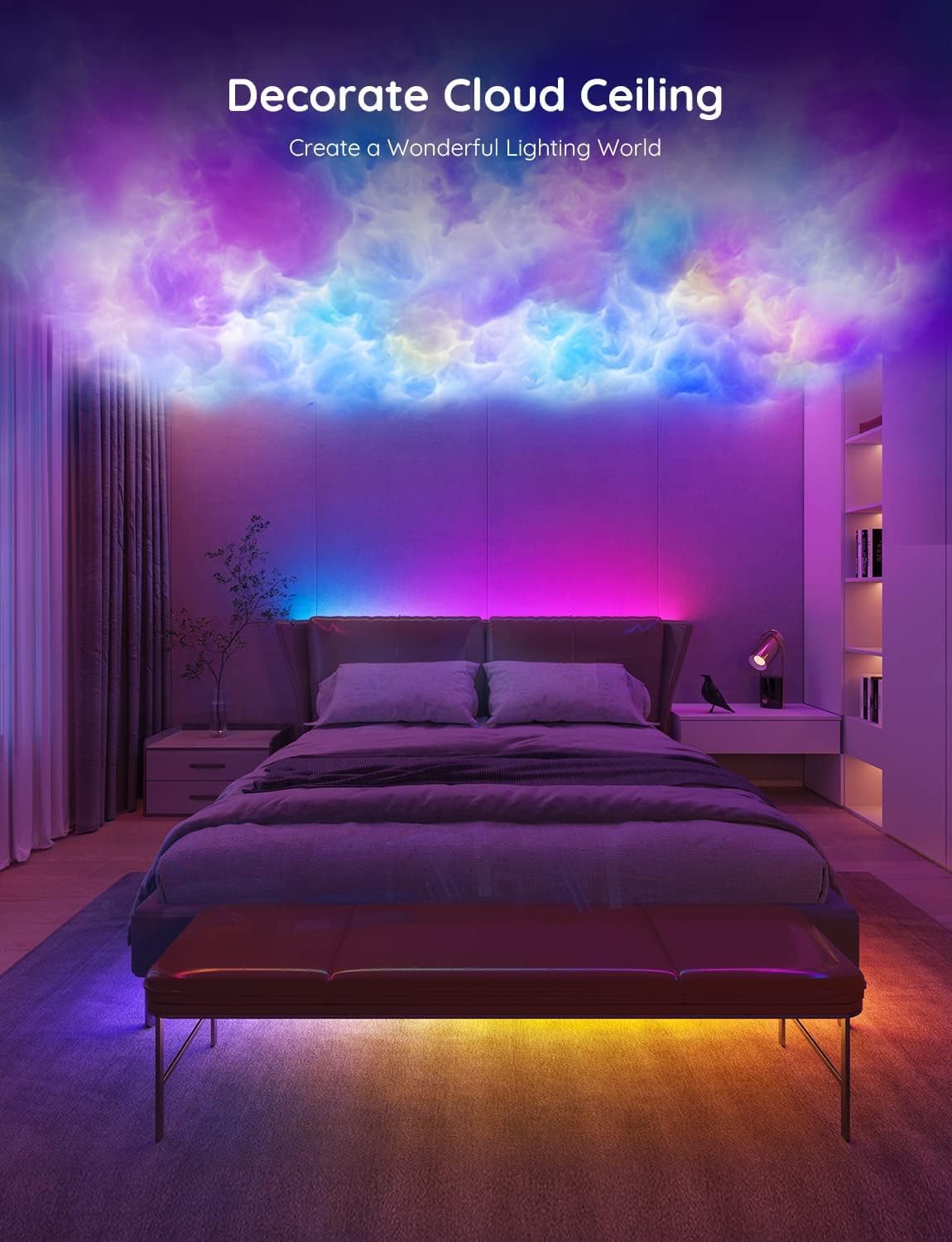
Govee RGBIC LED strip lights turned my boring bedroom into a living set in about 15 minutes. I snapped the 32.8ft strip to the back of my bed frame, opened the app, and suddenly the whole room had layered, moving color instead of a single flat wash.
These smart LED strips use RGBIC zoning to show multiple colors on one line at once, which is where they outshine older RGB tapes. Ready to stop living in bland light and give your room actual atmosphere?

Key Features & Real-World Use
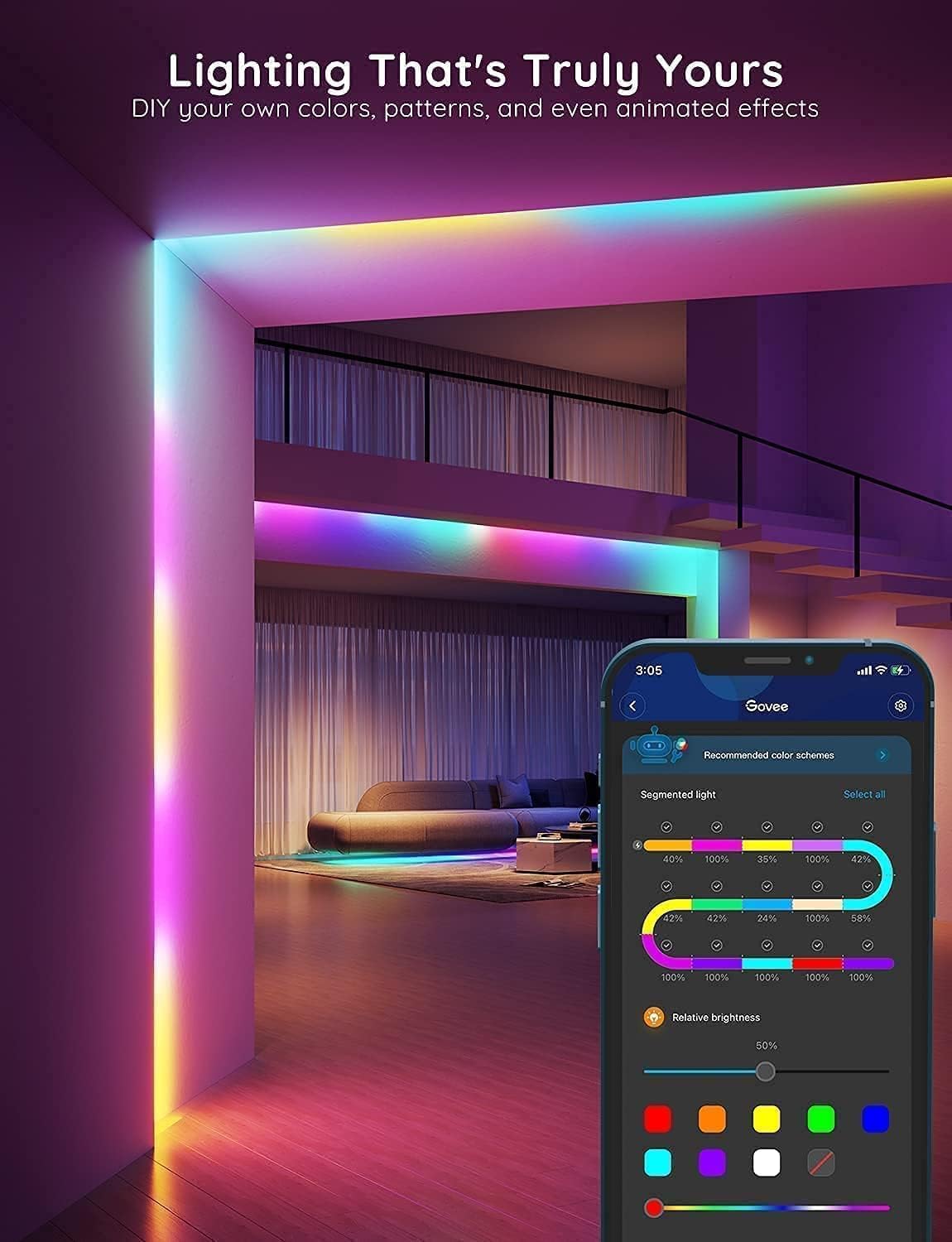
- RGBIC multi-zone color – multiple hues flow along one 32.8ft strip for gradients, chasing effects, and realistic ambiences. This is the big upgrade over single-color segments.
- App + Bluetooth control – adjust zones, brightness, timers, and DIY scenes from your phone. Music sync reacts to beats via the microphone for parties or gaming sessions.
- Flexible form factor – thin PVC strip with adhesive backing fits behind TVs, under cabinets, along crown molding, or around bed frames. Cut-to-length and use connectors for corners and tight layouts.
- Installation-friendly accessories – includes controller and power adapter; consider extra connectors, angle brackets, or 3M pads for specialty joins.
- Practical maintenance – wipe the mounting surface clean for best adhesion, avoid prolonged moisture unless you use waterproof versions, and keep vented power placement for safety.
- Compatibility note – Not Support Alexa; use the Govee app and Bluetooth to control and program effects.
How to Choose
Three quick criteria to match the strip to your space and needs.
- Length & layout – measure routes for TV backlight, bed frame, or shelving. 32.8ft suits larger rooms or multi-zone runs; plan joins if you need L-shapes or separate segments.
- Control method – want voice? Note this model does not support Alexa. Choose Bluetooth/app control for granular color and timing customization.
- Durability vs placement – indoor PVC adhesive is fine for most decor. If you need outdoor or bathroom use, pick waterproof-rated tape and sealed connectors.
Quick Setup & Use
- Unroll the strip and plan the run. Clean the surface with alcohol to remove dust for the best adhesive bond.
- Peel the backing and stick the strip in place, pressing every few inches. Use included connectors for tight corners.
- Plug in the controller and power adapter, then pair via the Govee app over Bluetooth for effect control.
- Create DIY zones and save scenes: pick gradients, set timers, or enable music sync for reactive lighting that follows sound.
- Test brightness and schedule routines (wake-up or movie modes) to make the strip part of daily comfort and decor.
Buyer Doubts Solved
Worried about gluing a strip that will fall? Clean the surface; the adhesive is strong on smooth wood, metal, and painted drywall. Use extra 3M strips in tricky spots.
Not tech-savvy? The app is intentionally simple: presets, a color wheel, and one-tap scenes. You can get great looks without complicated programming.
Concerned about power and heat? The controller and adapter are made for LED loads; keep the adapter ventilated and avoid stacking strips directly on fabric.
Want variety beyond static colors? RGBIC zoning offers moving gradients and multi-color displays on one line, perfect for gaming backlights, mood lighting, or party scenes.
Need extras like connectors, corner clips, or extension strips? They’re available and make tight installs neat and reliable.

For a fast, reliable mood upgrade that handles DIY scenes, music sync, and long runs, these RGBIC strips deliver immediate impact. They’re perfect for bedroom accents, TV bias lighting, gaming setups, or party backdrops—without a steep learning curve.
Some links are affiliate. As an Amazon Associate, I earn from qualifying purchases — at no extra cost to you. It helps keep these finds coming. Thanks for your support!