
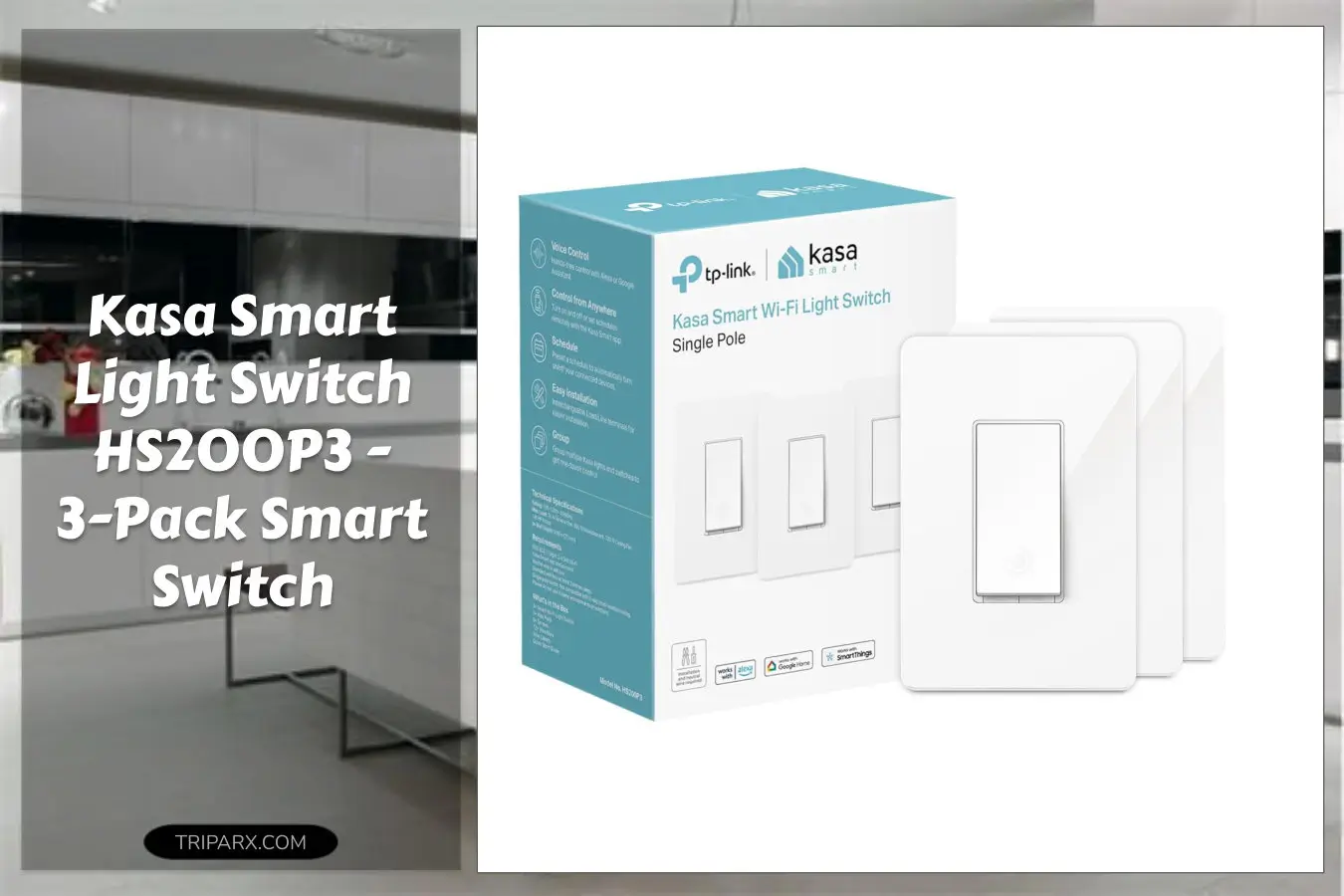

I installed a Kasa Smart Light Switch HS200P3 in one bedroom and had the whole setup talking to Alexa in under 15 minutes. That tiny win — one clean faceplate and instant voice control — changed how I manage lighting, schedules, and even ceiling fan circuits with the same physical switch.
If you want smart control without a hub and a reliable UL certified option that uses 2.4 GHz Wi-Fi, is this the switch you should pick for other rooms too?

Key Features & Real-World Use
The Kasa Smart Light Switch HS200P3 is a single-pole, neutral-required on/off switch that replaces a standard wall switch and connects directly to your 2.4 GHz Wi-Fi. It pairs with Alexa and Google Home for voice control and uses the Kasa or Tapo app for setup and scheduling.
- App-guided install: step-by-step instructions in the Kasa app make wiring, line/load identification, and circuit testing clearer.
- No hub required: the switch talks to your router on 2.4 GHz Wi-Fi, simplifying smart home integration and reducing extra accessories.
- UL certified safety: built to meet safety standards for household wiring and long-term reliability.
- Controls fixtures and ceiling fans: built for standard lighting and many fan circuits when used as an on/off controller.
- Durable form factor: fits typical wall boxes and works with common wall plates and trim; low-profile rocker for ergonomic use.
Materials and maintenance are straightforward: metal screw terminals for line, load, neutral, and ground; wipe-clean plastic face; occasional firmware updates via the app keep voice compatibility current.

How to Choose
Match the switch to your home wiring and use case by checking three things:
- Neutral wire present – This switch requires a neutral, so verify at the wall box. If you see a bundle of white wires, you’re likely good. If not, consult an electrician.
- 2.4 GHz Wi-Fi – Confirm your router broadcasts 2.4 GHz (not just 5 GHz) for stable connections across the house.
- Use case – This is an on/off switch (not a dimmer). Use it for lights, fans on off circuits, and smart scenes rather than low-voltage or dimmable LED drivers that need special controls.
Trade-offs: easier install and no hub versus the need for a neutral line. If your wallbox is crowded, a shallower model or relocating the neutral may be necessary.

Quick Setup & Use
- Kill power at the breaker and remove the old switch; label line and load with tape.
- Connect line, load, neutral, and ground to the Kasa switch screw terminals; tuck wires into the wall box and secure the switch with screws.
- Restore power, open the Kasa or Tapo app, and follow the app-guided setup to join 2.4 GHz Wi-Fi and name the device.
- Integrate with Alexa or Google Home via their app for voice control and create schedules or scenes for automation.
- Test physical rocker, app control, voice commands, and schedule triggers to confirm everything behaves as expected.
Buyer Doubts Solved
Worried about wiring? The app’s step-by-step guide reduces guesswork, and a quick photo of your wiring will help an electrician answer questions remotely.
Concerned about compatibility? This switch plays nicely with common LED and incandescent fixtures; avoid using it with specialized dimmers or low-voltage transformers.
Thinking about security? Keep your router firmware updated and use a strong Wi-Fi password; the Kasa app receives firmware patches to address issues.
Afraid of a crowded wall box? Check wire space and use compact wire nuts; if unsure, hire an electrician for a safe, code-compliant install.

The Kasa Smart Light Switch HS200P3 is a practical upgrade if you want voice control, reliable UL certified hardware, and app-driven scheduling without adding a hub. It’s a tidy way to modernize rooms, manage fixtures and fans, and get smarter automation today.
Some links are affiliate. As an Amazon Associate, I earn from qualifying purchases — at no extra cost to you. It helps keep these finds coming. Thanks for your support!