
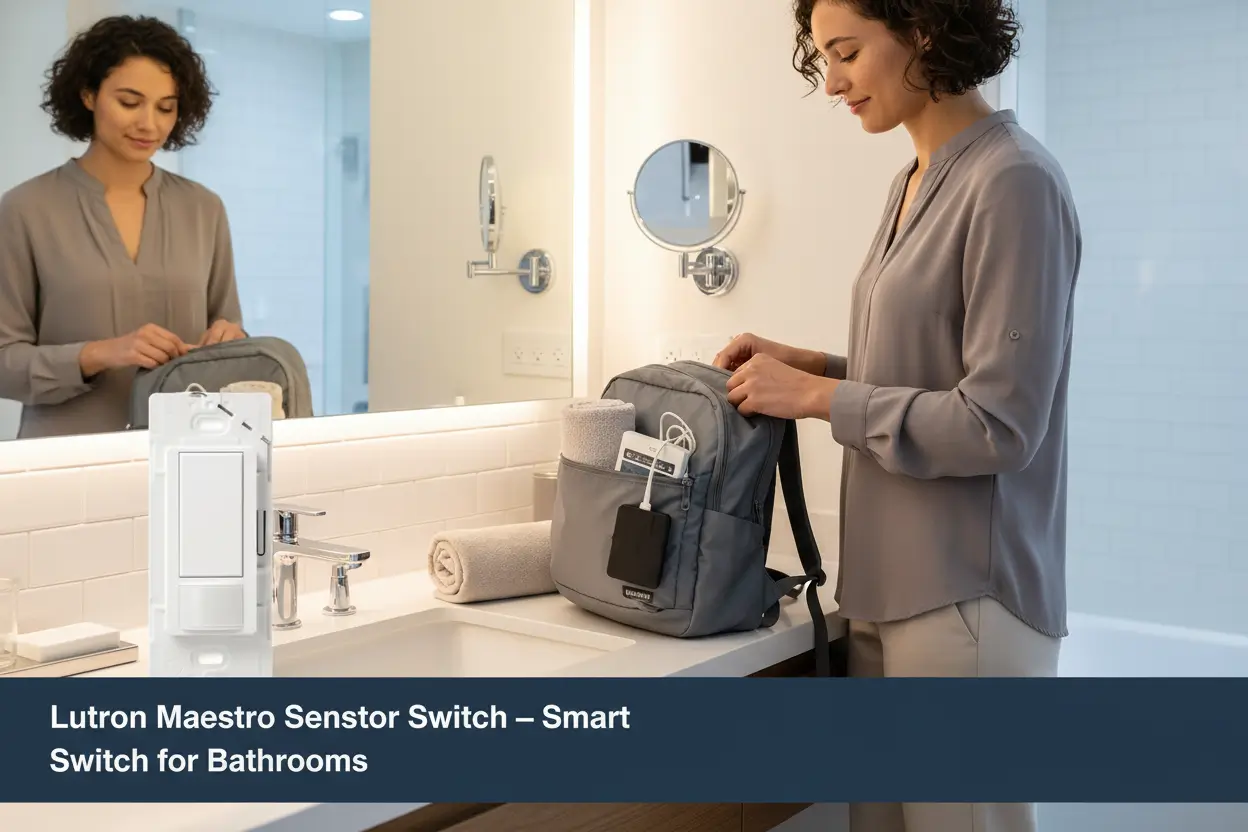

Most homeowners make the same small mistake: they buy a smart-looking switch and expect it to solve everyday annoyances. The lutron maestro motion sensor switch is built for real life, not just show. It powers lights on when you walk in, off after 1, 5, 15, or 30 minutes of no motion, and works with LED and CFL bulbs — so no fiddly compatibility hunting, right?

Who This Is For
Quick answer: anyone tired of fumbling for switches in bathrooms, garages, laundry rooms, closets, or entryways. If you want automation without a whole-home hub, this single-pole occupancy/vacancy sensor is ideal. It addresses three pain points: wasted energy, dark hands-full moments, and mismatched wall hardware.
Use cases include: hands-free bathroom lighting, motion-activated garage lights, laundry-room convenience, or closet sensors. It fits into standard rocker switch setups and pairs visually with the Maestro family and Claro wall plates for a consistent finish.
Key Features & Real-World Use
- Automatic on/off motion sensor: turns lights on when you enter and off when you leave for selected times (1, 5, 15, 30 minutes).
- Bulb compatibility: works with LED, CFL, incandescent, and halogen—no need to change fixtures or bulbs.
- Occupancy and vacancy modes: choose automatic activation or vacancy-only to match household habits and control strategies.
- Single-pole installation: designed for one-location control; includes ground-wire option when no neutral is available.
- Coordination: matches Maestro product line and Claro wall plates for a tidy aesthetic across rooms.

How to Choose
Pick the right model by checking these criteria:
- Room type: Bathrooms and garages benefit most from occupancy mode; bedrooms may prefer vacancy-only to avoid night-time triggers.
- Wiring: Confirm single-pole compatibility and whether a neutral is present. This Maestro works with a ground-wire installation where no neutral exists.
- Bulb types: If you use LEDs or CFLs, verify the sensor lists compatibility to avoid flicker or delayed turn-off.
- Aesthetics: Consider matching Claro wall plates and other Maestro accessories for a cohesive look.

Quick Setup & Use
- Turn off power at the breaker to the switch circuit for safety.
- Remove the existing switch and note hot, load, and ground wiring locations.
- Connect the Maestro switch: hot to hot, load to fixture lead, and ground to ground; use the ground-wire option if no neutral is present.
- Secure in the wall box, attach a Claro wall plate if desired, and restore power.
- Select occupancy or vacancy mode and set the timeout (1, 5, 15, or 30 minutes) to match the room use.
- Test with the bulbs you use—LED or CFL—to confirm no flicker and reliable motion detection.
Buyer Doubts Solved
Worried about compatibility? The switch explicitly supports common bulb types like LED and CFL, so you rarely need new fixtures. Concerned about installation? If you can swap a standard rocker switch and turn off a breaker, you can handle this; an electrician is an easy fallback.
Afraid of false triggers from pets? Positioning the sensor and adjusting mode reduces nuisance activations. Want a clean look? Pair with Claro wall plates and other Maestro devices for uniform style.
Not ready for a whole smart-home system? This is a simple, local automation solution—no hub required.

Small upgrade, big convenience: the Maestro motion sensor switch adds automation, energy savings, and clean styling to busy rooms like bathrooms and garages without a hub. Easy install, broad bulb support, and timed off options make it a practical swap for most homes.
Some links are affiliate. As an Amazon Associate, I earn from qualifying purchases – at no extra cost to you. It helps keep these finds coming. Thanks for your support!