
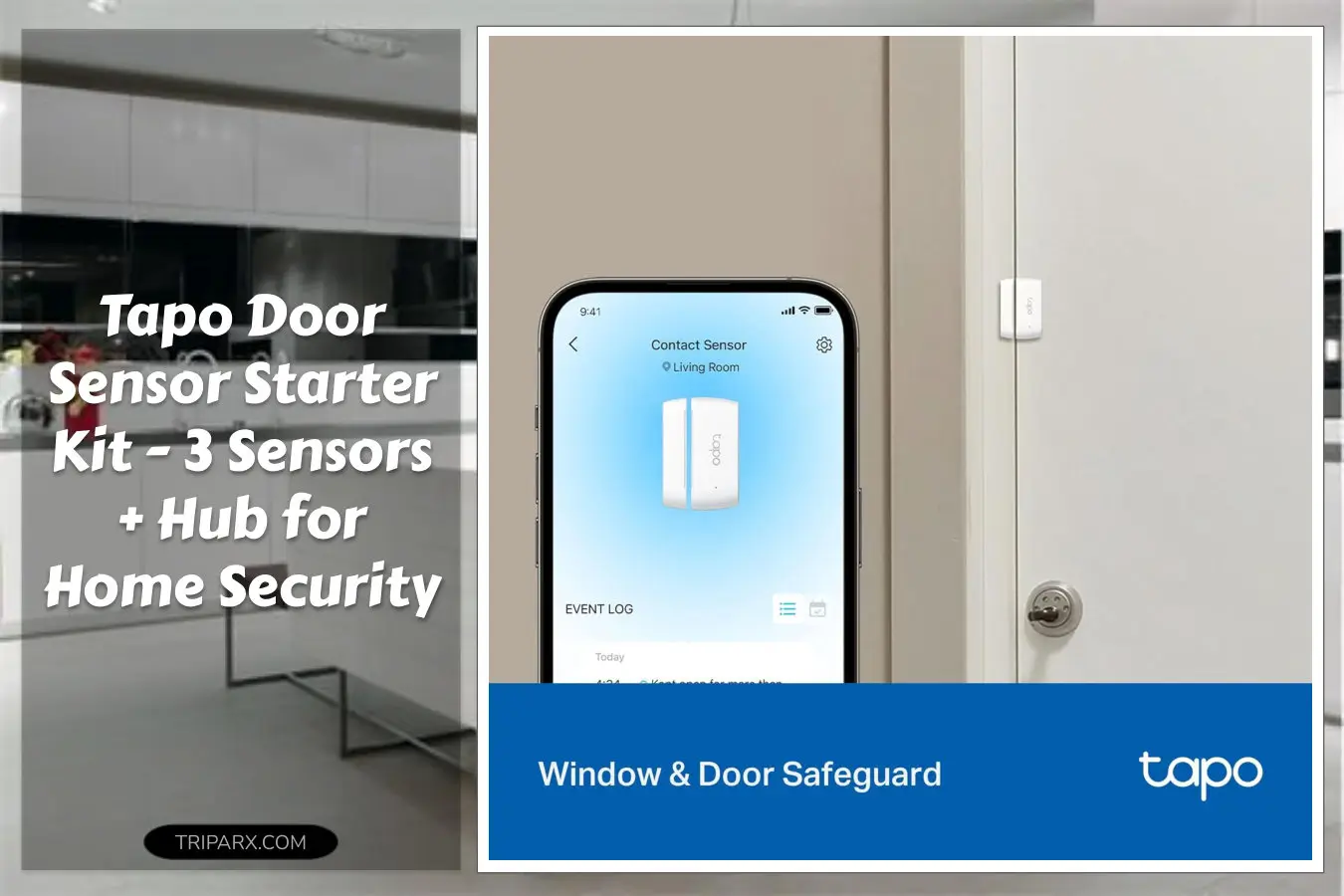

Two nights after my neighbor’s porch light showed a weird flicker, their door chime alerted them to a delivery—and the thief who took it. I bought a tapo door sensor starter kit the next morning – it ships with 3 sensors and 1 hub, and the built-in chime meant instant local alerts without digging for the phone. If a simple magnet and adhesive can stop a repeat of that headache, wouldn’t you want the same peace of mind?

Who This Is For
Small homeowners, renters, and apartment dwellers who want low-effort security and automation. If you need simple door and window monitoring, package alerts, or a sensor to trigger scenes in a Matter-compatible smart home, this kit is relevant. It fits doors, windows, cabinets, and even garages when you want a discreet contact sensor with extended wireless range and long battery life.
Not the right pick if you need wired hardline sensors, industrial-grade intrusion detection, or a giant fleet of sensors for commercial rollout.
Key Features & Real-World Use
- What’s in the box: 3x Tapo T110 contact sensors plus 1x Tapo H100 smart hub with built-in chime – ready to pair out of the box.
- Protocol & compatibility: Sub-G protocol for extended range and reduced power draw, and Matter compatibility for broader smart home integration.
- Form factor: Slim magnetic contact design with adhesive backing and screw mounts for clean installs on door frames and window sills.
- Real-time notification: Instant push alerts and local chime when a door or window opens – useful for deliveries, kids coming home, or security triggers.
- Low maintenance: Long battery life and straightforward firmware updates through the Tapo app keep upkeep minimal.

How to Choose
Pick based on these quick criteria:
- Coverage area: Measure how many doors and windows you want to cover. This 3-sensor kit is great for front/back doors and a main window.
- Integration needs: If you already use Matter or plan to expand with voice assistants and smart locks, the Tapo H100 hub helps bridge devices.
- Mounting preference: Adhesive is easy; screws are permanent. Choose based on rental rules and desired durability.
- Notification method: Want local chime plus phone alerts? The hub’s built-in chime gives an audible cue even if your phone is asleep.

Quick Setup & Use
- Unbox the H100 hub and plug it into power near your main entryway to maximize wireless range.
- Open the Tapo app and follow the simple pairing flow to add the H100, then add each T110 sensor one at a time.
- Peel the adhesive or fasten screws, align magnet and contact, and test by opening the door to trigger a chime and notification.
- Create automations: set lights to turn on when the front door opens or trigger a scene when a window sensor activates.
- Check battery status in the app and keep firmware updated for security patches and new integrations.
Buyer Doubts Solved
Worried about false alarms? Fine-tune sensitivity and placement; a quick reposition usually eliminates phantom triggers from drafts. Concerned about range? The Sub-G protocol in the hub extends connectivity beyond typical Bluetooth, and the hub acts as a reliable gateway for Matter integration. Unsure if it’s renter-friendly? Use the adhesive for a no-drill setup; screws are optional for a permanent install. Think it’s complicated? The pairing process is guided in the Tapo app and most users finish in under 10 minutes.

Install the kit, set a few automations, and enjoy instant door alerts plus a local chime. It’s a low-effort upgrade for everyday security and smart home convenience.
Some links are affiliate. As an Amazon Associate, I earn from qualifying purchases — at no extra cost to you. It helps keep these finds coming. Thanks for your support!